
Remove Text from Video Online Free
The easiest way to remove text from video. Drop a file and our Video text remover free detects and erases subtitles, captions and static overlays while keeping background details natural. No editors. No plugins. Just clean results.
Before → After
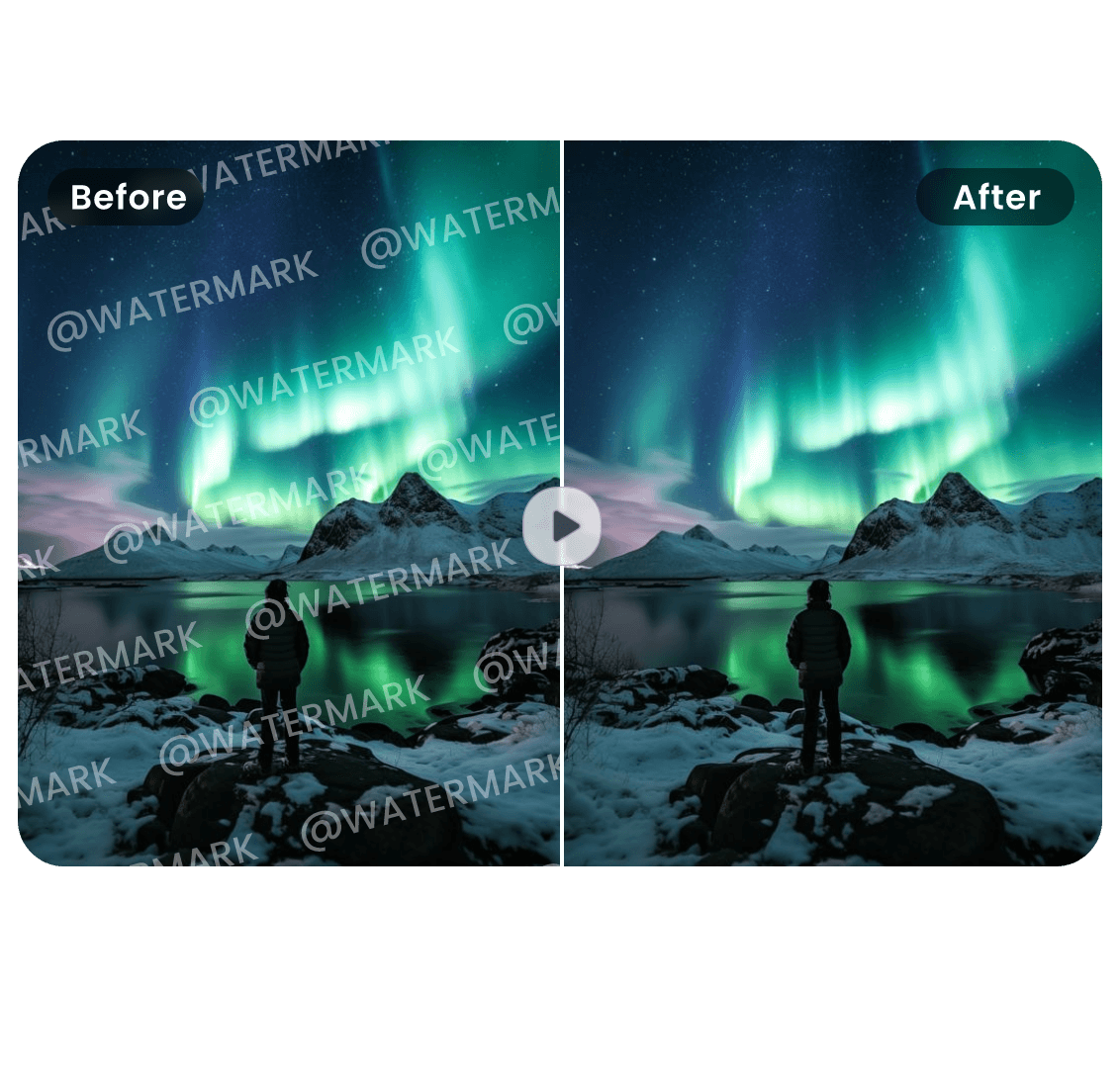
Before → After
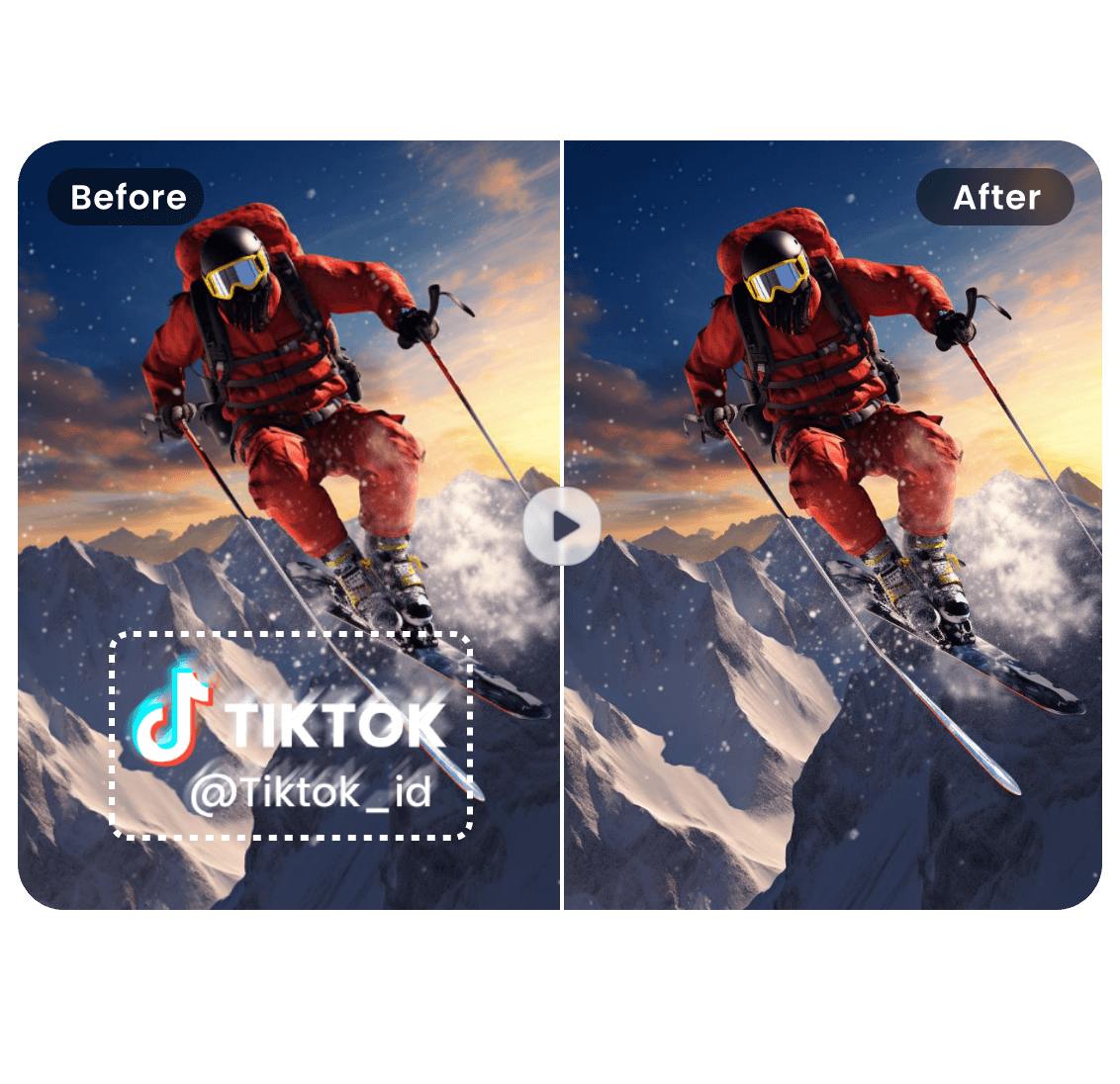
Remove Text from Video
Drop your video here or click to upload
Supported formats: MP4, MOV, AVI • Max 100MB
Before → After
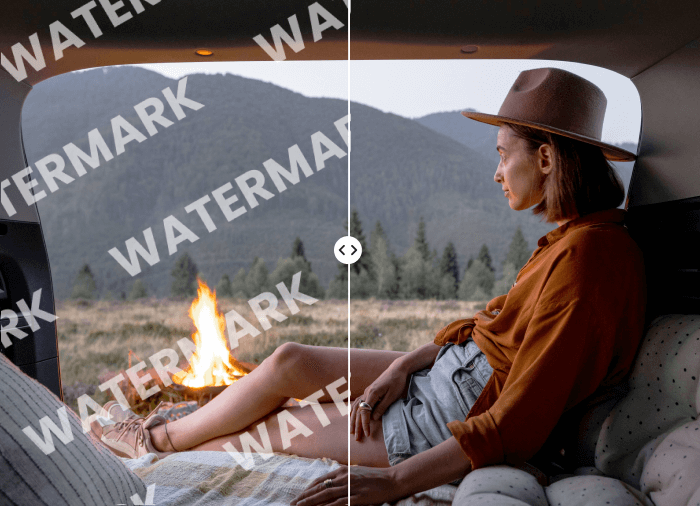
Before → After
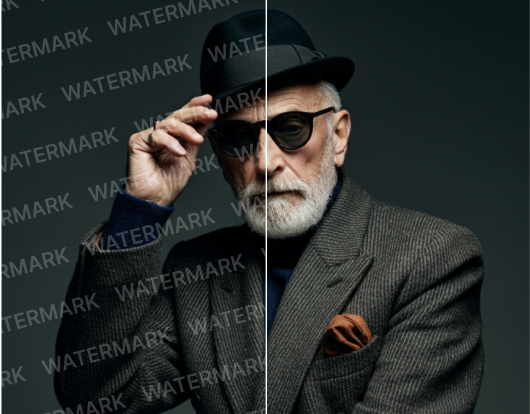
Explore Other Video Tools
Continue editing with focused AI tools for common video cleanup tasks.


Remove Logo from Video Online Free
Upload a video, mark the logo area, and let our video logo remover keep frames natural.
Open tool

Remove Object from Video Online Free
Select unwanted objects in your video and let this AI Object Remover clean them frame by frame. Remove people, stickers, signs, clutter and visual distractions while keeping the scene natural.
Open tool

Remove Sora Watermark Online Free
The fastest way to remove Sora watermark from AI-generated videos. Upload your Sora video and our AI automatically detects and erases the watermark while preserving cinematic quality, color, and motion. No software installation. No editing skills required. Just clean, professional results.
Open toolSee How We Remove Text from Video Without Blur
Our AI-powered video text remover detects and eliminates unwanted text seamlessly. Whether it's subtitles, logos, or overlays, our algorithm analyzes each frame and reconstructs backgrounds naturally with no blur or quality loss. Perfect for creators and marketers who need professional results instantly.
Delete Video Text at Original Quality
Effortlessly erase hardcoded subtitles and captions without leaving traces. Our AI intelligently fills in the background, maintaining video clarity and natural motion. Ideal for repurposing videos for different audiences or removing foreign language subtitles.
Remove Text from Video Without Blur
Seamlessly eliminate corner watermarks, brand logos, and static overlays while preserving original quality. Perfect for cleaning up stock footage or removing platform logos. Works on both static and semi-transparent watermarks without blurring or distortion.


Remove Watermarks, Captions, or Anything Unwanted
Remove large text overlays, titles, price tags, and date stamps while preserving motion and texture underneath. Our inpainting technology reconstructs covered areas intelligently. Perfect for updating outdated information or repurposing videos without compromising quality.
AI Video watermark remover
Real-world scenarios where our AI video text remover delivers clean, professional results without quality loss.
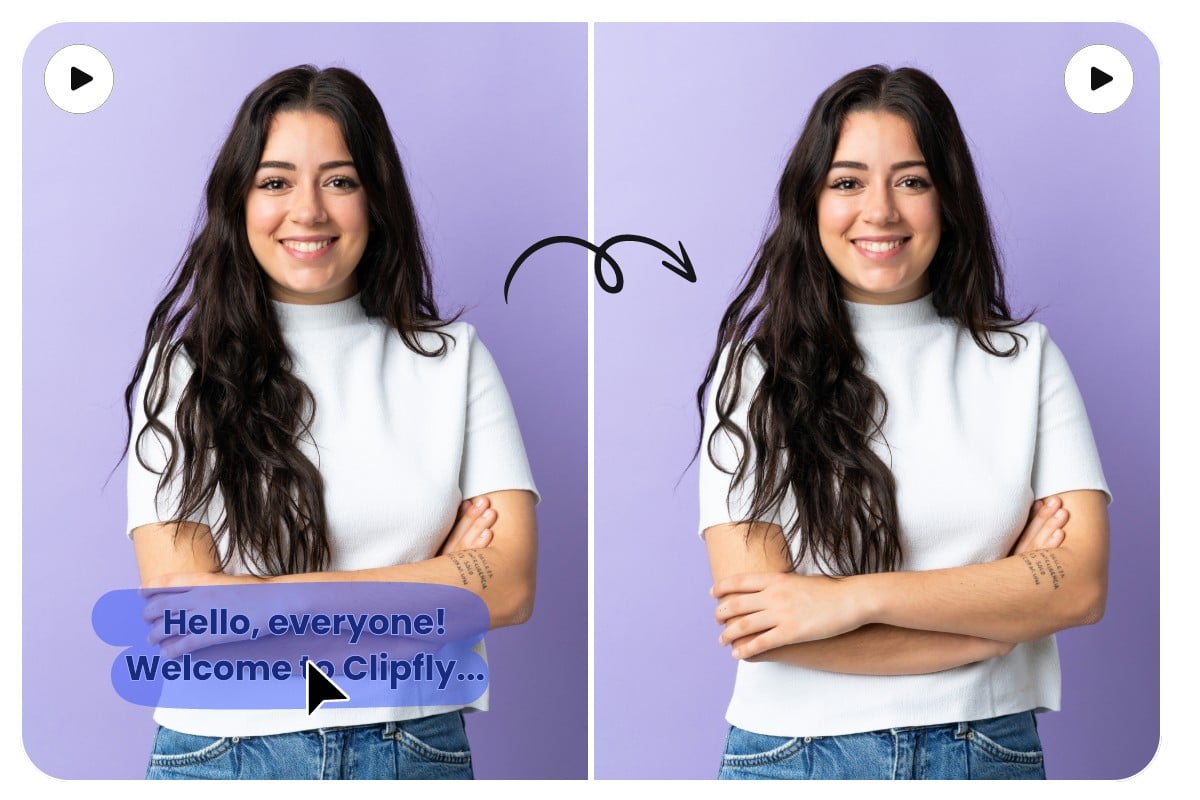
Brand Watermark Removal
Eliminate brand logos from corners and edges to create clean, distraction-free footage for your projects.
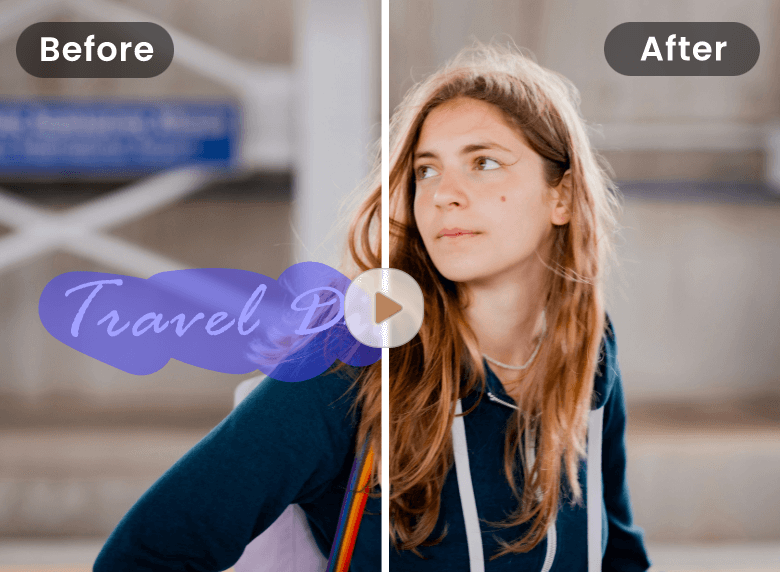
Subtitle & Caption Erasure
Remove hardcoded subtitles and open captions seamlessly while maintaining original video quality and clarity.

Price Tag & Sticker Cleanup
Delete outdated promotional overlays and pricing stickers to refresh your marketing content instantly.

Timestamp Elimination
Remove camera timestamps and date watermarks to achieve a cleaner, more professional appearance.
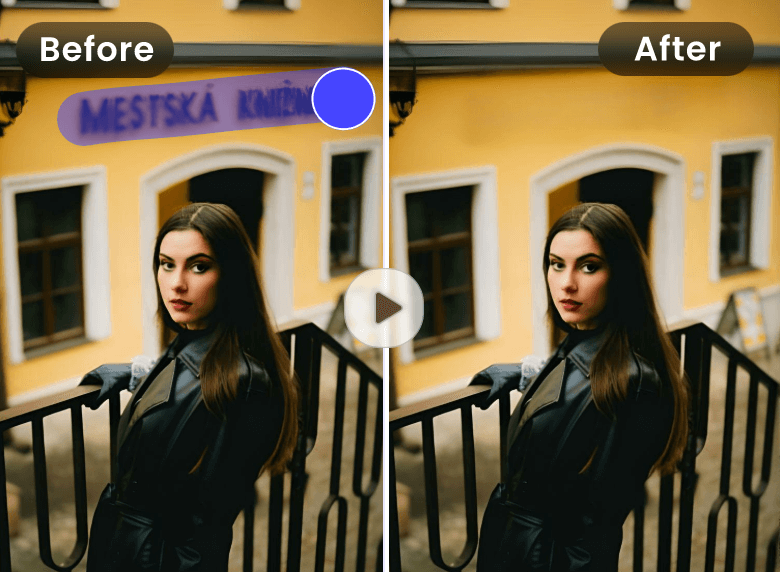
Title Card Removal
Erase large intro titles and text cards without sacrificing background details or video smoothness.
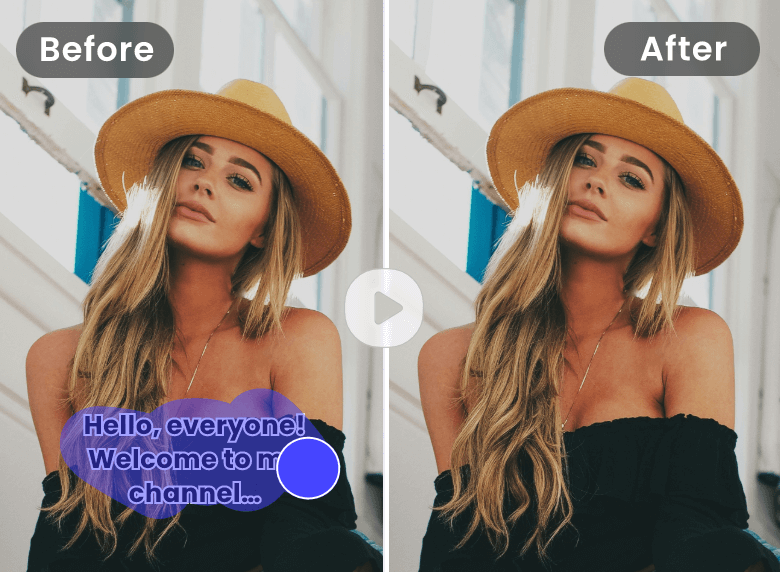
Dynamic Text Pattern Cleaning
Remove animated watermarks and scrolling text that move across multiple frames automatically.
Why Choose Our AI Video Text Remover
AI Text Detection
Smart models find burnt‑in subtitles, lower‑thirds and corner logos for precise removal.
Instant, 1‑Click
Remove text from video online in minutes—no editing skills needed.
No Blur, Clean Frames
Advanced inpainting keeps motion, gradients and edges natural without ghosting.
MP4 / MOV / AVI
Works with popular formats and resolutions on web and mobile.
Private & Secure
Encrypted processing, auto‑deletion in 24h for your privacy.
Web‑Based
Use the Video text remover free anywhere—no install required.
How to Remove Text From Video?
Upload • AI Removes • Download
A focused workflow designed for speed and quality. In three quick steps, the Video text remover free helps you remove text from video without artifacts.

Upload Video
Add a video that contains unwanted text (subtitles, captions, watermarks). Supported: MP4, MOV, AVI.

AI Processing
Our model analyzes each frame to remove text from video, then reconstructs the background so it looks natural.

Download Clean Video
Preview, then export an HD result once the AI finishes the remove text from video pass.
Trusted for Removing Text from Video
Thousands of creators, editors and marketers rely on this Video text remover free to remove text from video while keeping a professional look.
"I used it to remove text from video with heavy captions—no blur, no halos, just clean frames."
"The Video text remover free takes seconds and the quality looks like I edited it by hand."
"I used it to remove text from video with heavy captions—no blur, no halos, just clean frames."
"The Video text remover free takes seconds and the quality looks like I edited it by hand."
Remove Text from Video – FAQs
Answers to the most common questions about how to remove text from video with our Video text remover free.
Ready to Remove Text from Video?
Upload a file and let AI remove text from video quickly and securely.