
Remove Object from Video Online Free
Select unwanted objects in your video and let this AI Object Remover clean them frame by frame. Remove people, stickers, signs, clutter and visual distractions while keeping the scene natural.
Before → After
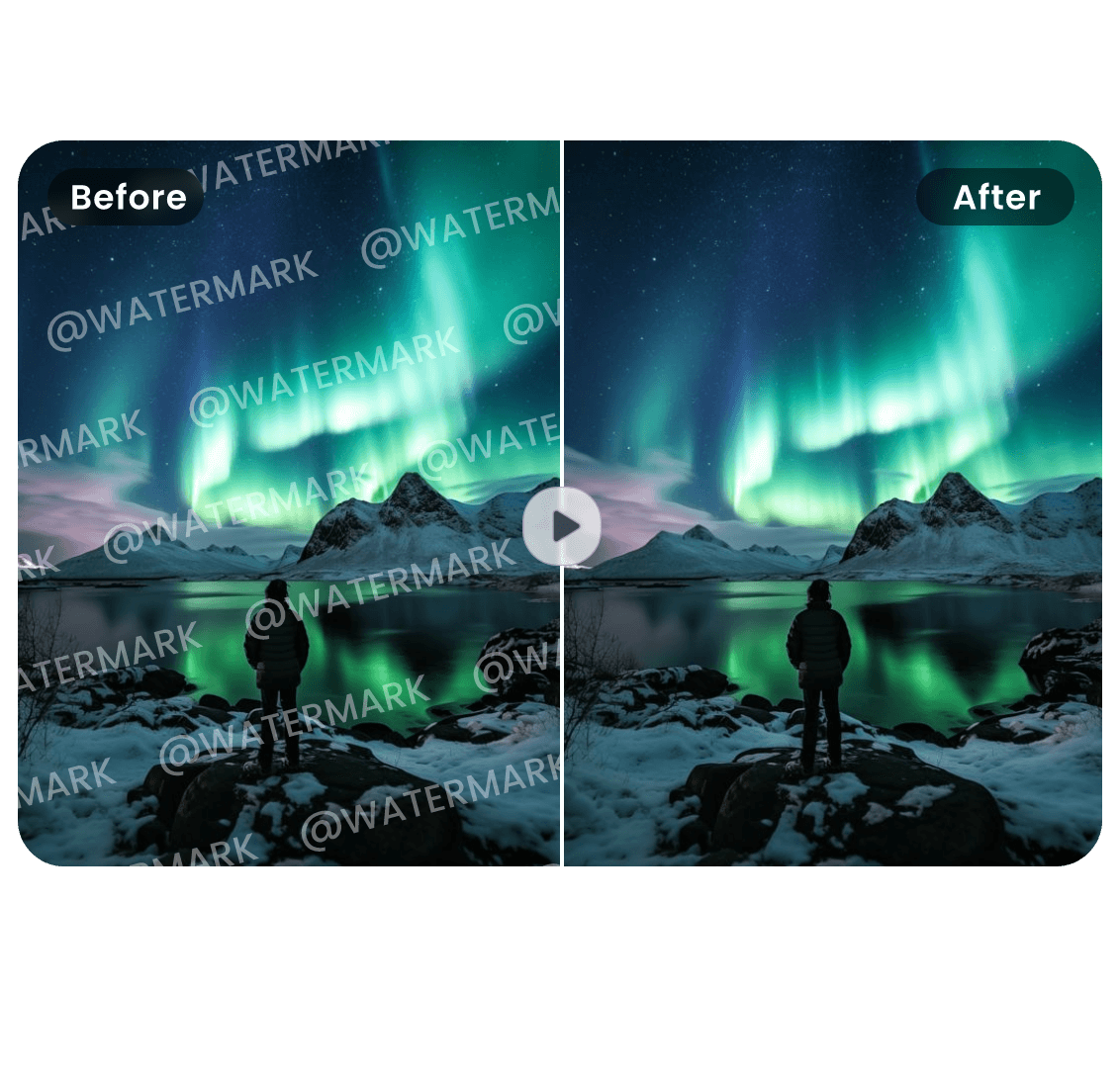
Before → After
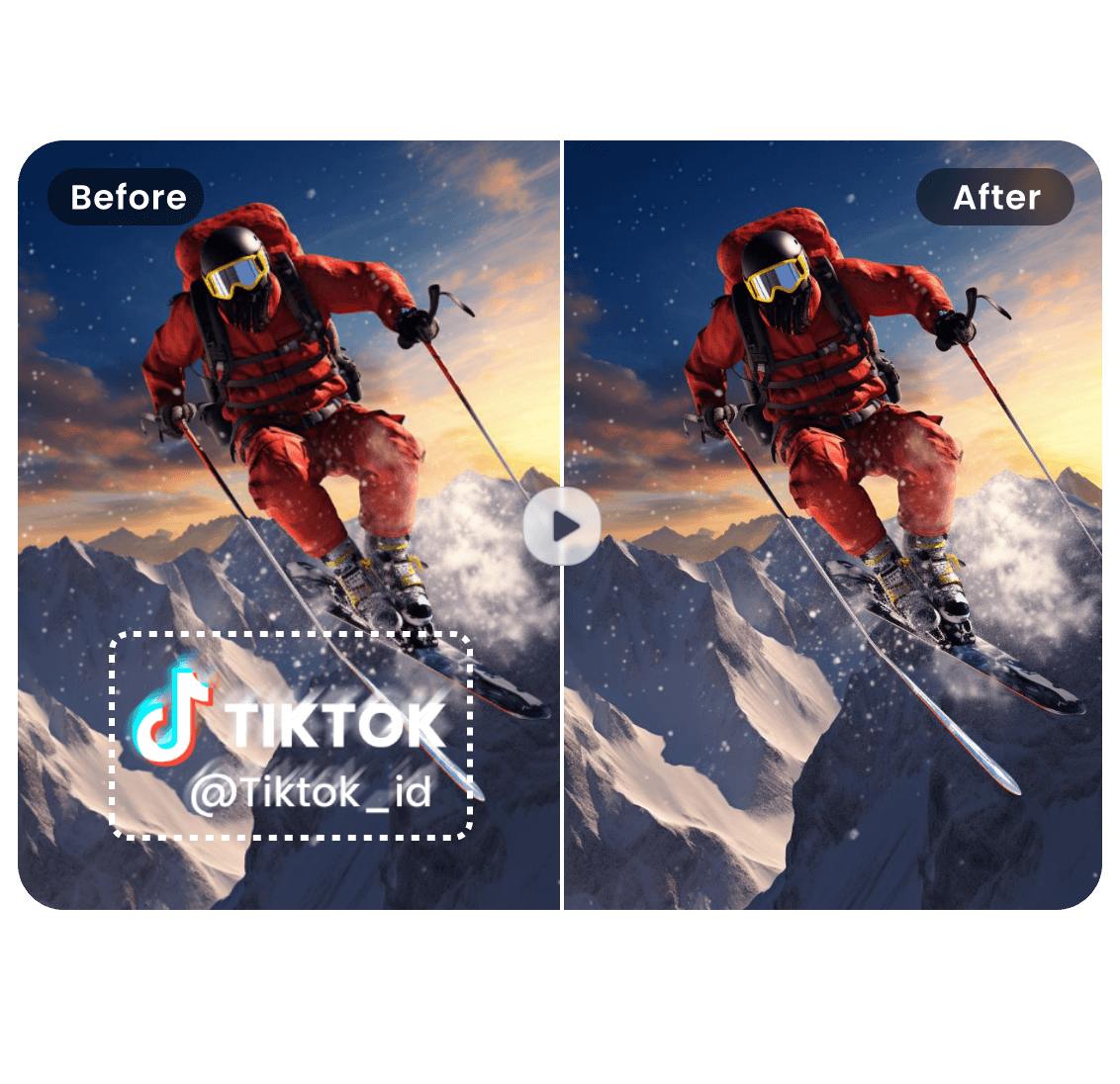
Remove Object from Video
Drop your video here or click to upload
Supported formats: MP4, MOV, AVI, WebM • Max 100MB
Before → After
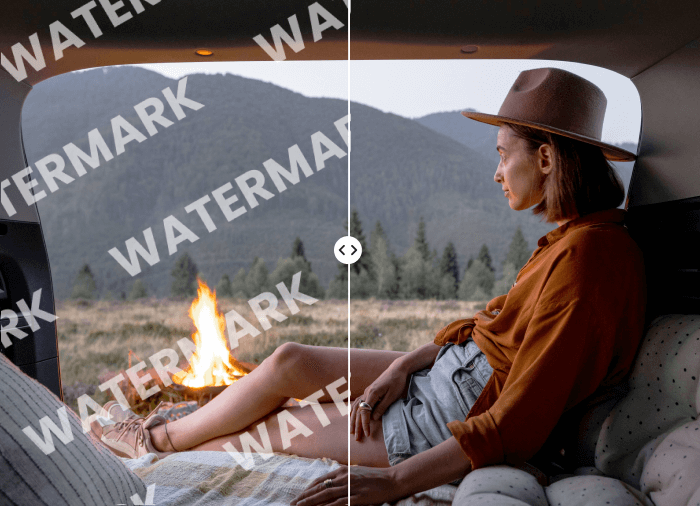
Before → After
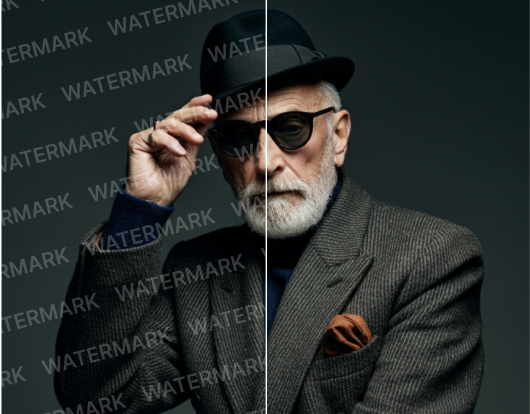
Explore Other Video Tools
Continue editing with focused AI tools for common video cleanup tasks.
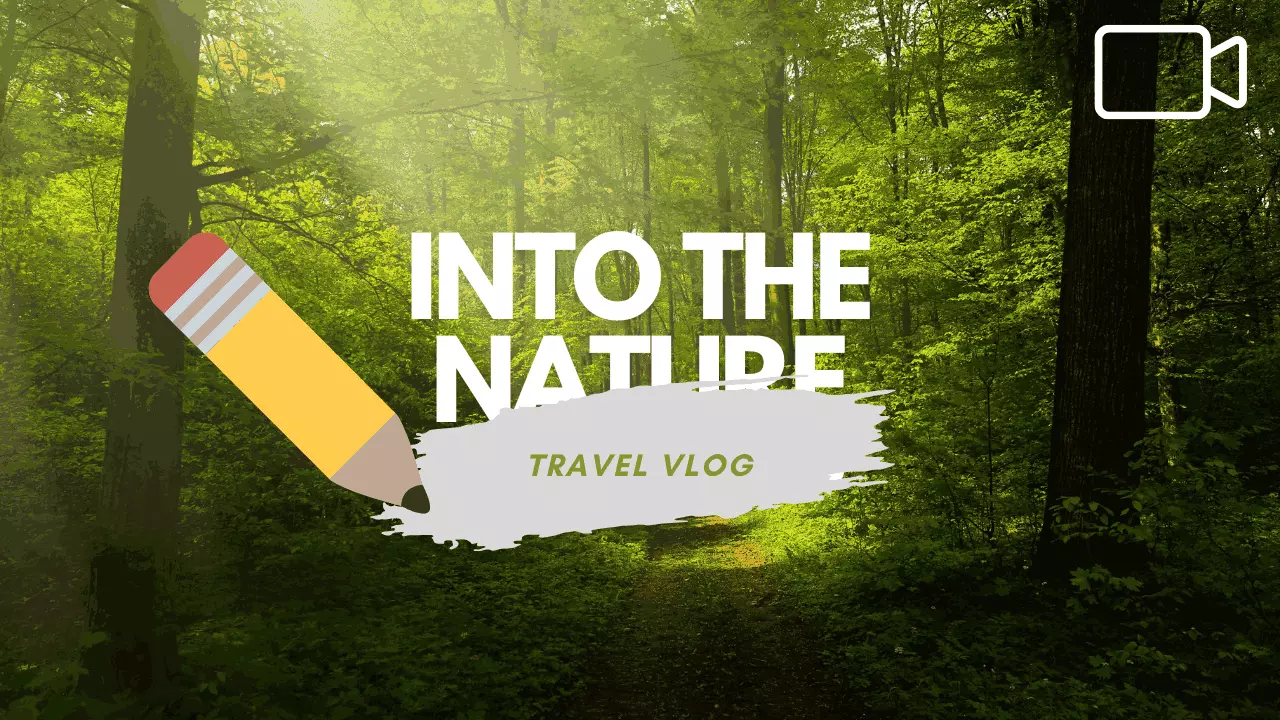
Remove Text from Video Online Free
The easiest way to remove text from video. Drop a file and our Video text remover free detects and erases subtitles, captions and static overlays while keeping background details natural. No editors. No plugins. Just clean results.
Open tool

Remove Logo from Video Online Free
Upload a video, mark the logo area, and let our video logo remover keep frames natural.
Open tool

Remove Sora Watermark Online Free
The fastest way to remove Sora watermark from AI-generated videos. Upload your Sora video and our AI automatically detects and erases the watermark while preserving cinematic quality, color, and motion. No software installation. No editing skills required. Just clean, professional results.
Open toolRemove People, Stickers, Signs and Distractions from Video
Clean unwanted objects from product shots, social clips, travel footage and marketing videos with an AI video object remover.
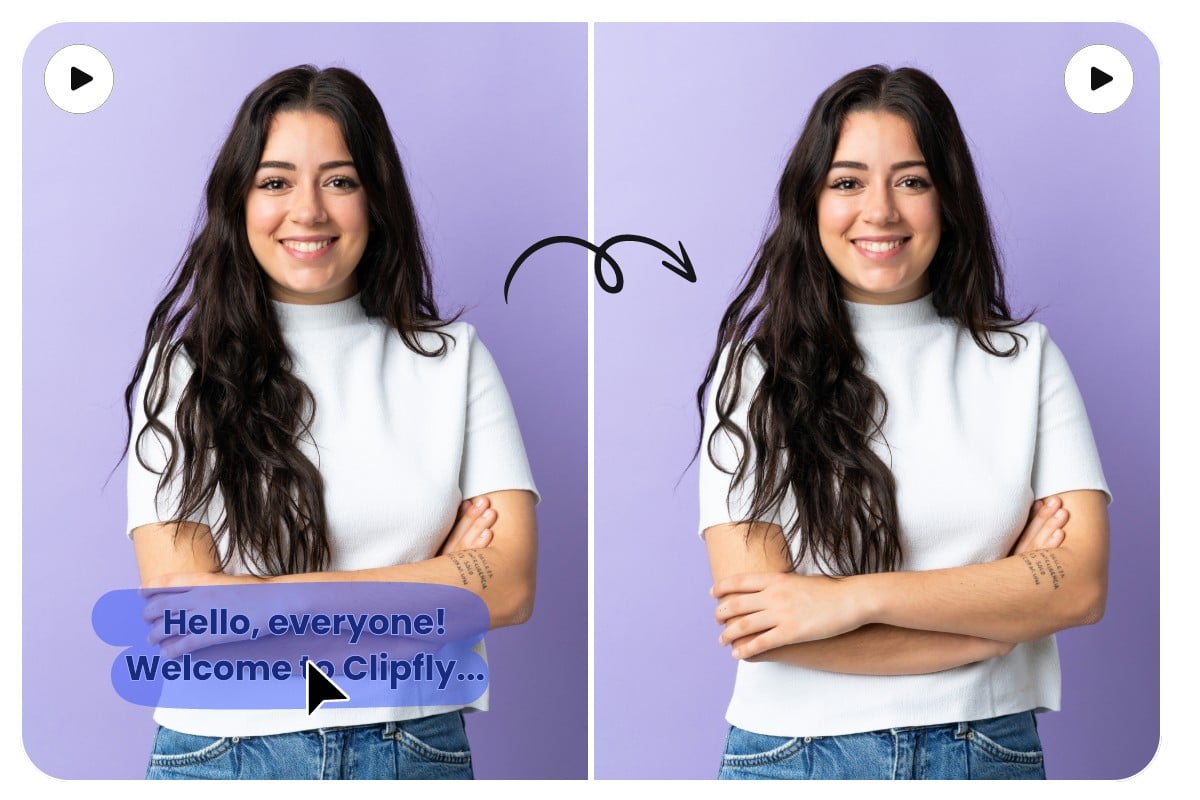
Remove Distracting Items
Clean small objects, signs, cables and clutter that pull attention away from your main subject.
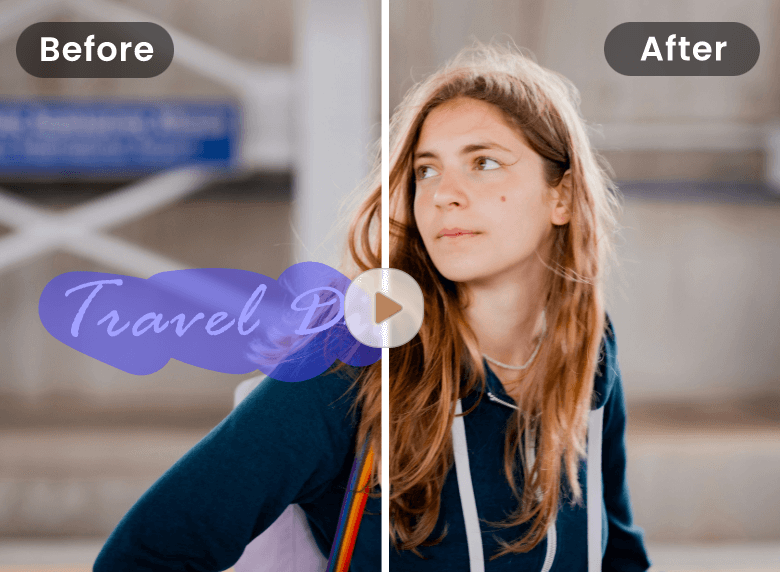
Remove Person from Video
Remove person from video clips by marking passersby, background people or unwanted figures while keeping the scene natural.
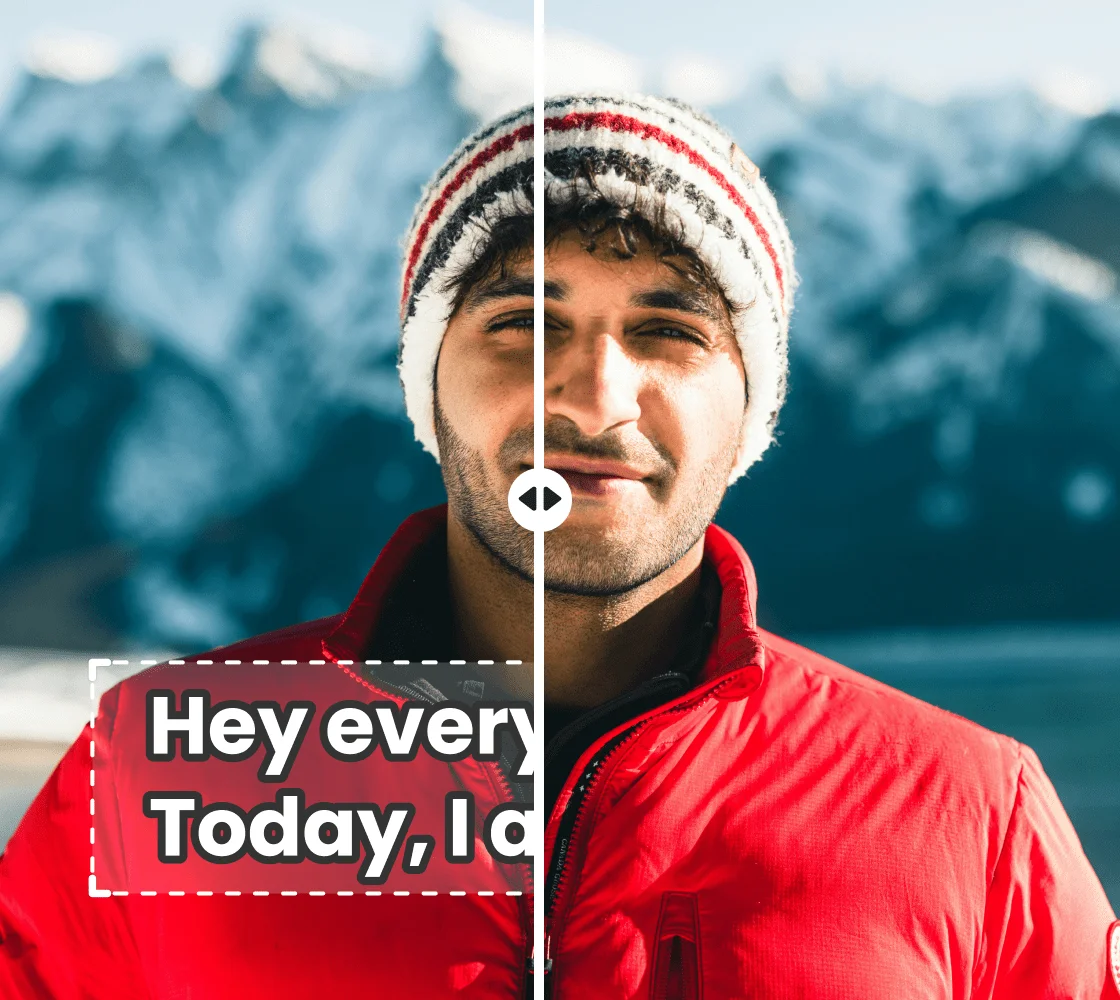
Clean Stickers and Emoji Overlays
Delete stickers, emojis and text overlays from creator videos and short-form clips in seconds.
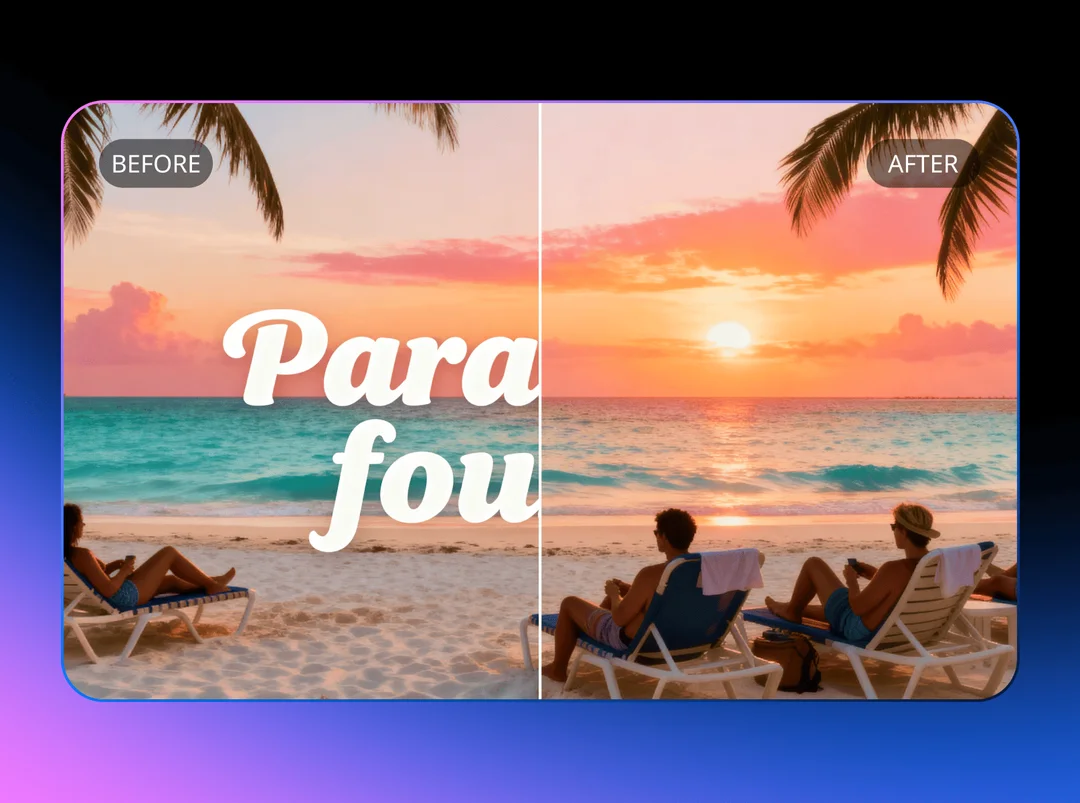
Fix Product and E-Commerce Videos
Remove product props, price labels, cables or packaging items from product footage before publishing.
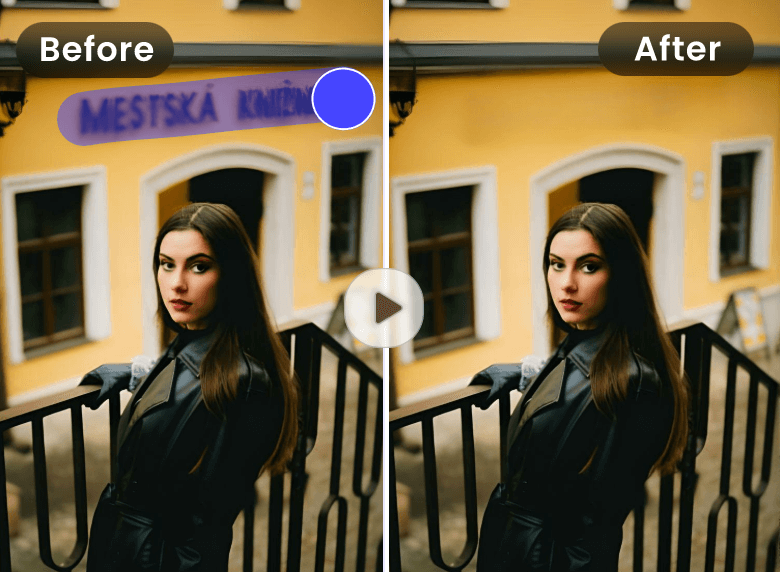
Clean Visual Distractions
Remove signs, timestamps, watermarks and accidental frame elements from travel, event and lifestyle videos.
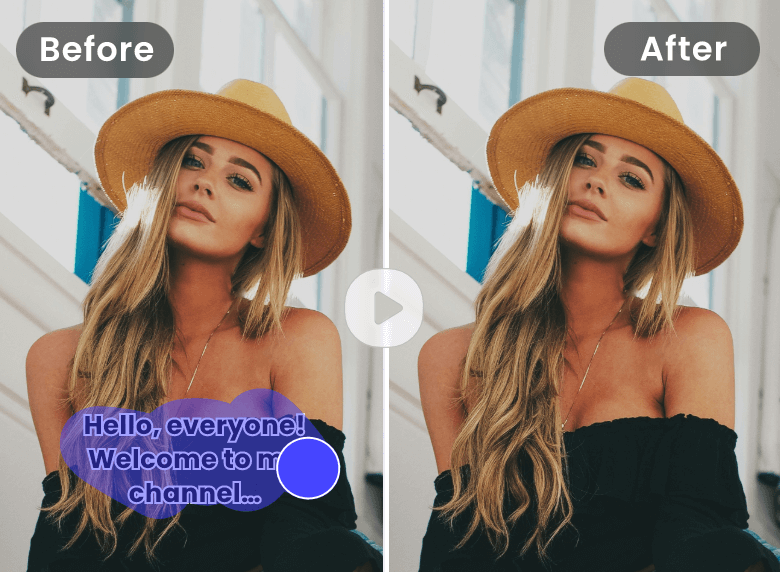
Frame-by-Frame Object Removal
Use manual brush selection to guide the AI through object removal across multiple frames for complex scenes.
Remove Objects from Video with Natural Results
This AI Object Remover uses your brush selection to erase unwanted elements and rebuild the background with natural-looking continuity. Works for people, stickers, signs, labels, product props and other visible distractions.
Remove Unwanted Items Cleanly
Clean small to medium objects from scenes while keeping surrounding motion, texture and lighting consistent.
Erase Visual Distractions
Remove signs, stickers, props and other clutter from video frames without obvious patches or blur artifacts.
Repair Product and Social Clips
Clean unwanted frame elements before publishing videos on product pages, ads or social media feeds.


How to Remove Objects from Video Online
Upload • Mark Object • Download
The video object remover uses a focused workflow: upload, mark the object, then preview a clean, natural-looking result.
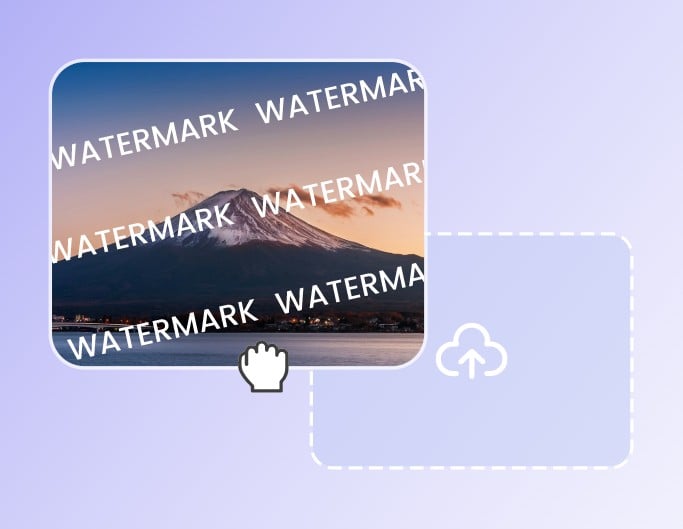
Upload Video
Choose a video that contains an unwanted object, background person, sticker, sign or other visible distraction.
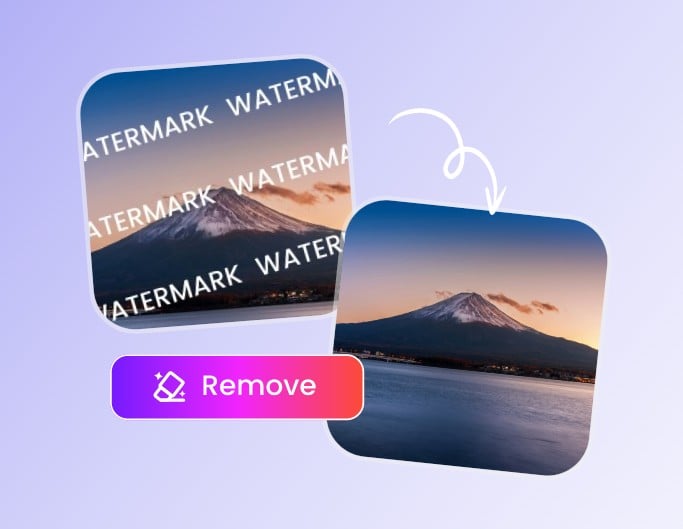
Mark the Object
Draw over the item you want to remove so the AI knows exactly which area to clean and reconstruct.

Download Clean Video
Preview the processed clip and download the object-free result with the original video quality preserved.
Why Use Our AI Object Remover
AI Video Inpainting
The AI Object Remover reconstructs the hidden background where the object was removed, keeping edges, lighting and motion consistent across frames.
Simple Manual Selection
Draw over the object you want to remove, process the clip and preview the cleaned result online without complex editing workflows.
Natural Motion and Edges
Designed to preserve frame continuity so the area around the removed object blends naturally into the scene.
Works with MP4, MOV, AVI, WebM
Upload common video formats directly in the browser without installing any desktop software.
Secure and Temporary Processing
Your files are handled securely with automatic cleanup after the session ends.
Works on Mobile and Desktop
Use the video object remover on phones, tablets and laptops — no app download or signup required.
Creators Trust This Video Object Remover
Creators and editors use this video object remover to clean distracting details from clips without rebuilding projects in a full video editor.
"I removed a distracting sign from a short video and kept the clip clean and usable for a social ad."
"The manual brush selection made it easy to tell the AI exactly which object to remove and which parts to keep."
"I removed a distracting sign from a short video and kept the clip clean and usable for a social ad."
"The manual brush selection made it easy to tell the AI exactly which object to remove and which parts to keep."
Remove Object from Video - FAQs
Common questions about using an AI Object Remover for unwanted objects, people, stickers and distractions in video.
Ready to Remove Object from Video?
Upload a clip, mark the object and preview the cleaned result online.