
Remove Logo from Video Online Free
Upload a video, mark the logo area, and let our video logo remover keep frames natural.
Before → After
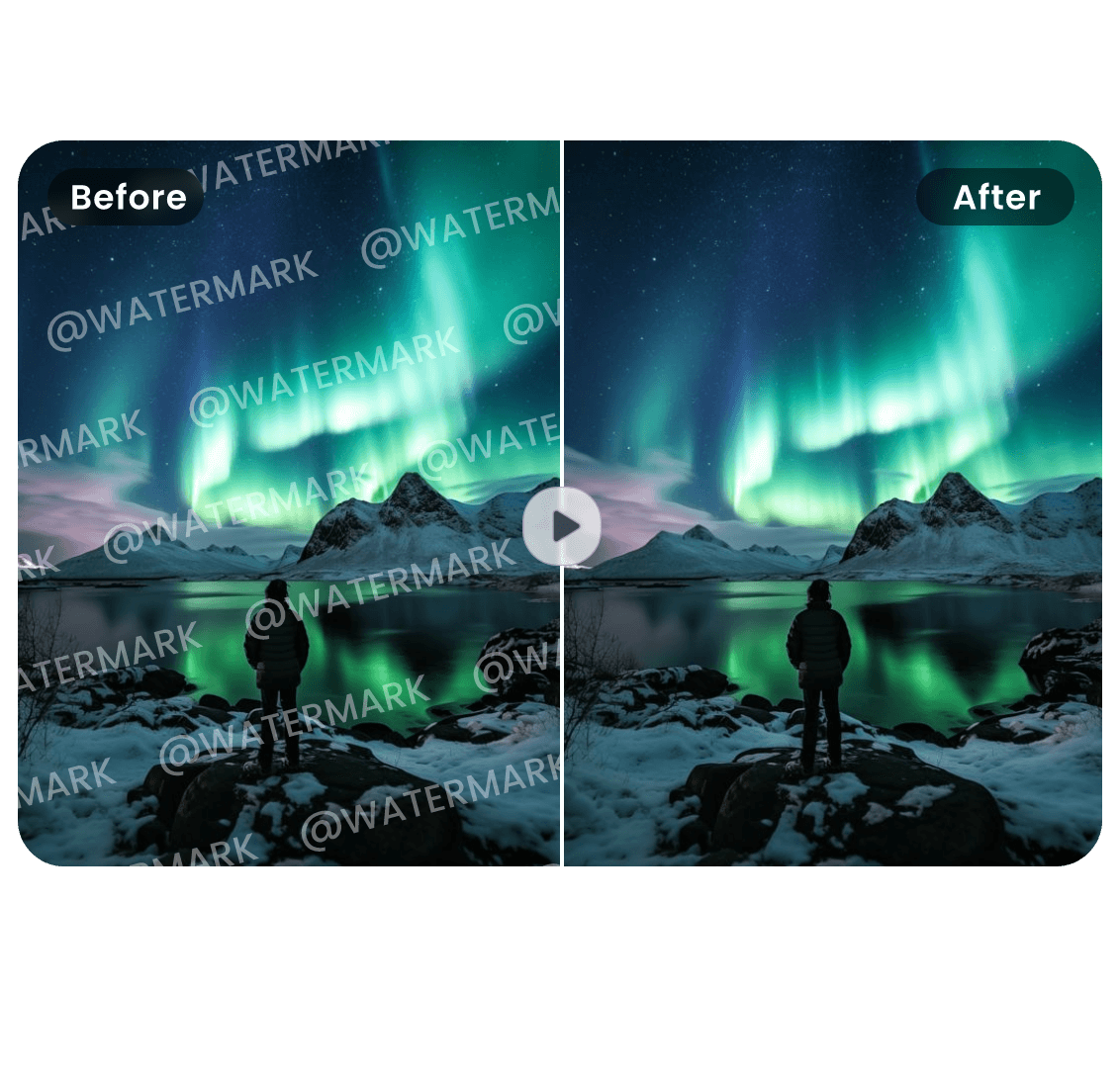
Before → After
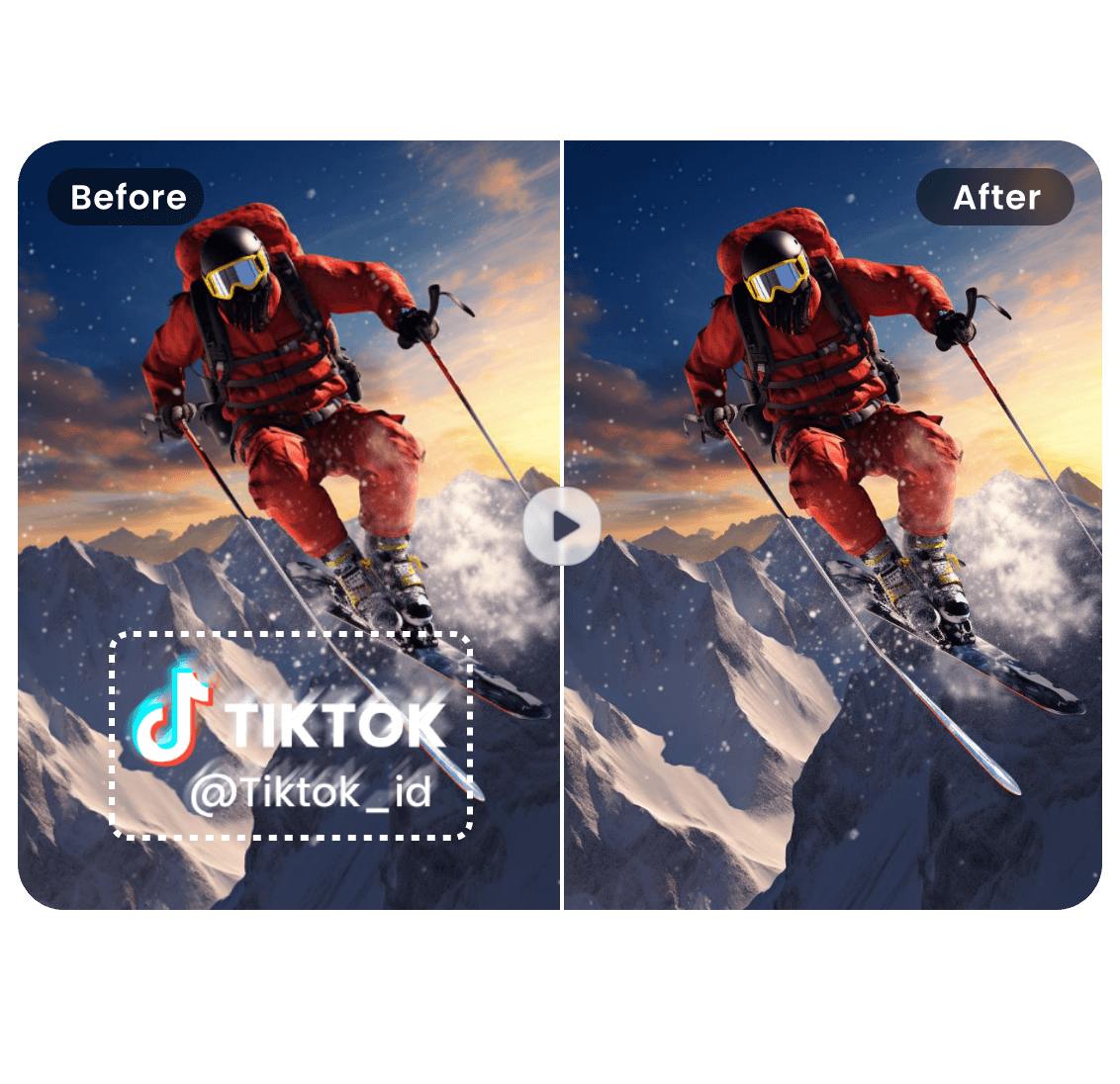
Remove Logo from Video
Drop your video here or click to upload
Supported formats: MP4, MOV, AVI, WebM • Max 100MB
Before → After
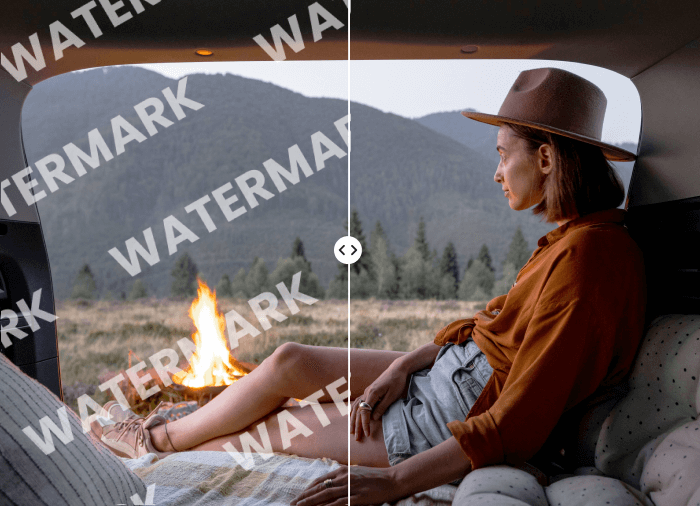
Before → After
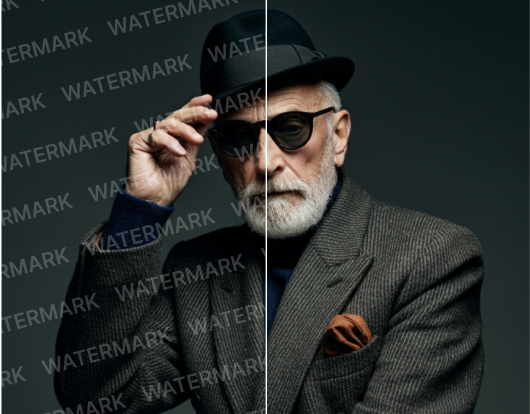
Explore Other Video Tools
Continue editing with focused AI tools for common video cleanup tasks.
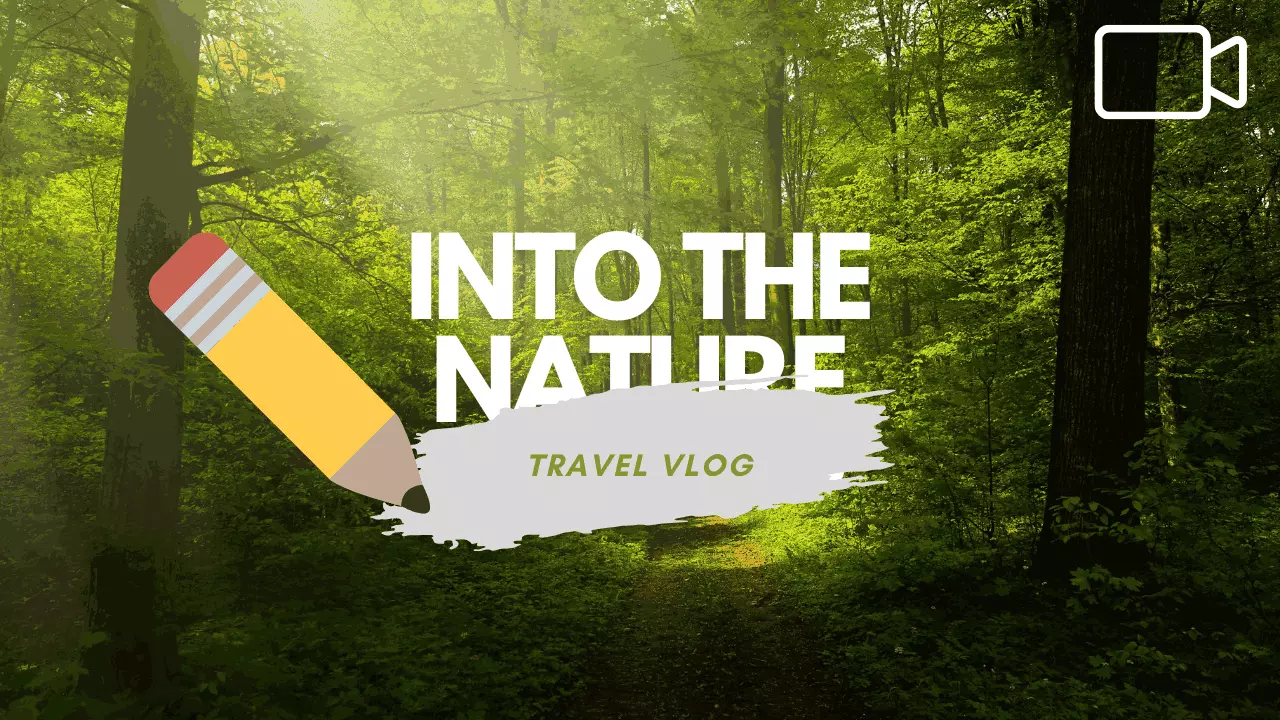
Remove Text from Video Online Free
The easiest way to remove text from video. Drop a file and our Video text remover free detects and erases subtitles, captions and static overlays while keeping background details natural. No editors. No plugins. Just clean results.
Open tool

Remove Object from Video Online Free
Select unwanted objects in your video and let this AI Object Remover clean them frame by frame. Remove people, stickers, signs, clutter and visual distractions while keeping the scene natural.
Open tool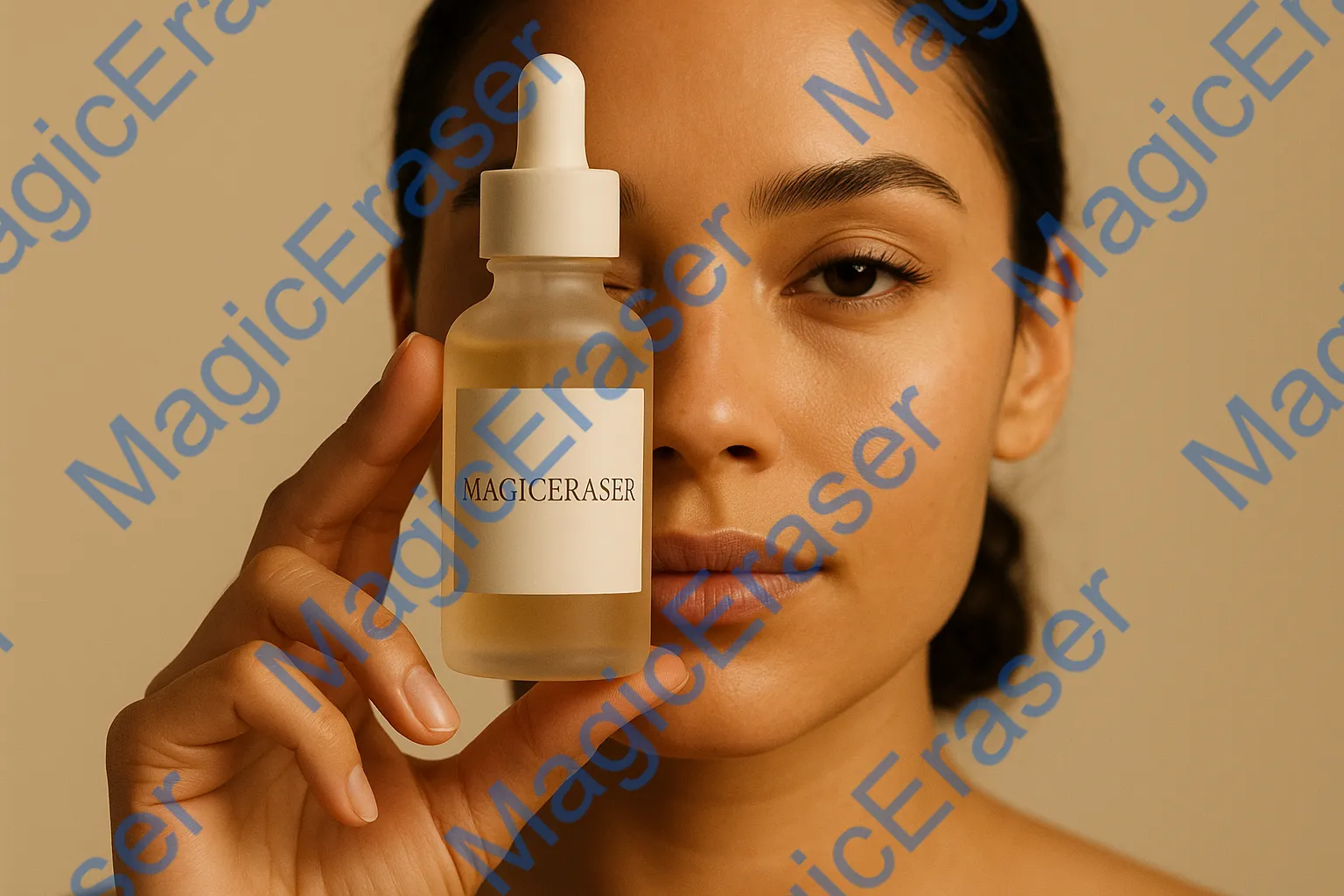

Remove Sora Watermark Online Free
The fastest way to remove Sora watermark from AI-generated videos. Upload your Sora video and our AI automatically detects and erases the watermark while preserving cinematic quality, color, and motion. No software installation. No editing skills required. Just clean, professional results.
Open toolHow to Remove a Logo from Video
Upload • Select Logo • Download
Remove a logo from video online in three simple steps.
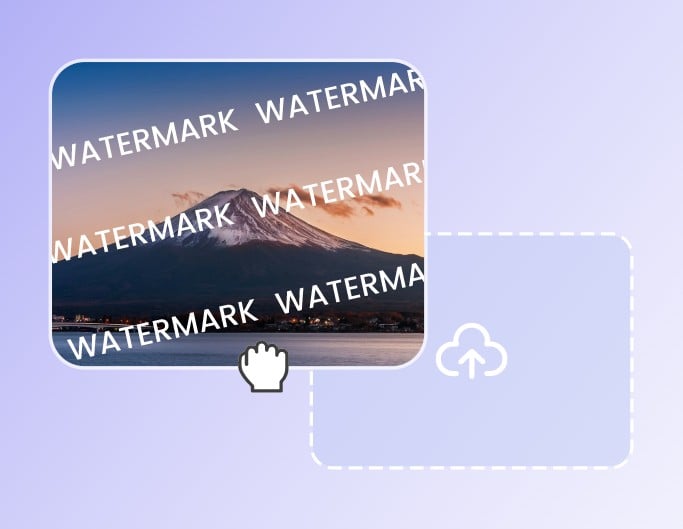
Upload Video
Choose an MP4, MOV, AVI or WebM file that contains a corner logo, channel badge or brand watermark.
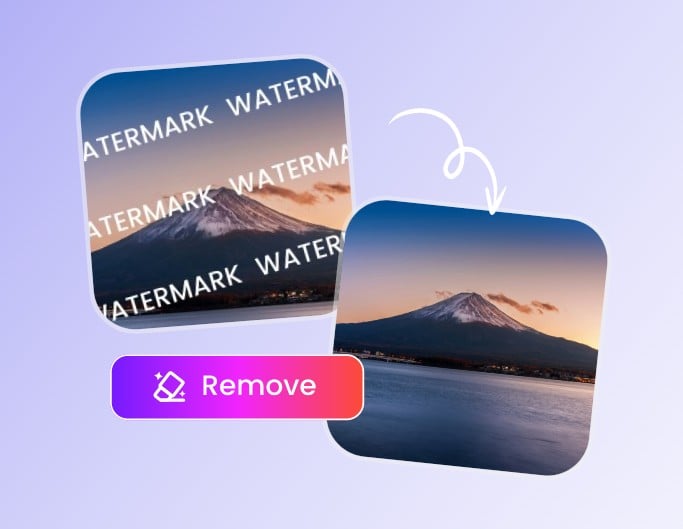
Select the Logo Area
Draw over the logo or watermark overlay and let AI remove it while rebuilding the background behind it.
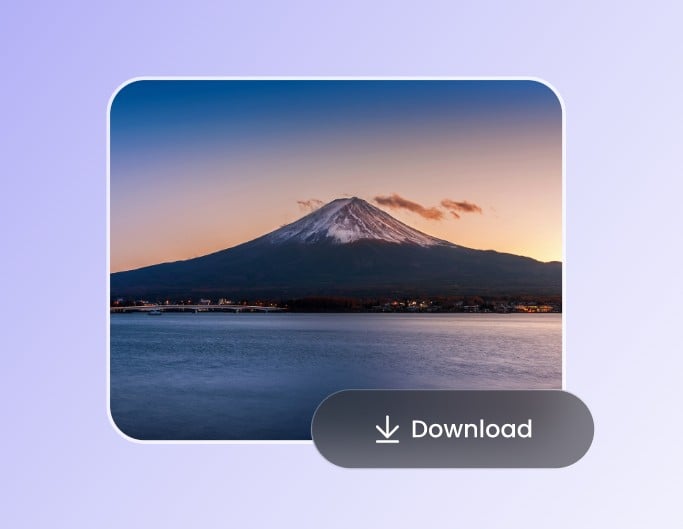
Download Clean Video
Preview the logo-free result with a single tap and download your processed video in the original quality.
Remove Logo from Video Without Obvious Blur
The video logo remover fills the selected area and keeps motion consistent frame by frame.
Remove Corner Logos Cleanly
Clean fixed corner logos from social clips and brand videos while preserving nearby edges, textures and motion. Ideal for reusing footage without distracting channel marks.


Erase Semi-Transparent Brand Marks
Remove low-opacity logo overlays without leaving ghost outlines, dull patches or visible blur across the frame. The result stays natural even on soft gradients and textured scenes.
Clean Logos from Marketing Footage
Update older marketing videos by removing outdated logos and channel badges while rebuilding the covered area naturally. Keep the original message while refreshing the brand look.
Remove Corner Logos, Brand Marks and Channel Badges
Remove logo overlays from videos online without obvious blur or ghosting.
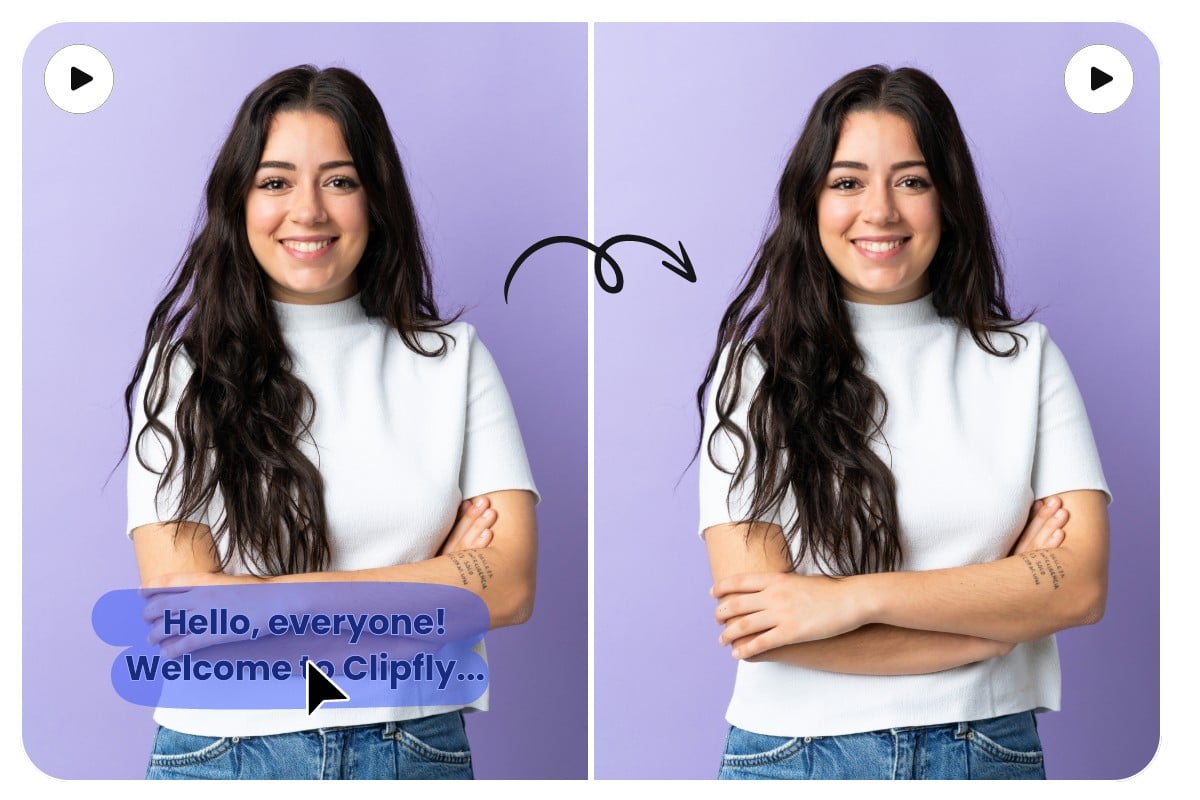
Corner Logo Removal
Erase static brand logos in the corner while keeping background motion and edges clean.
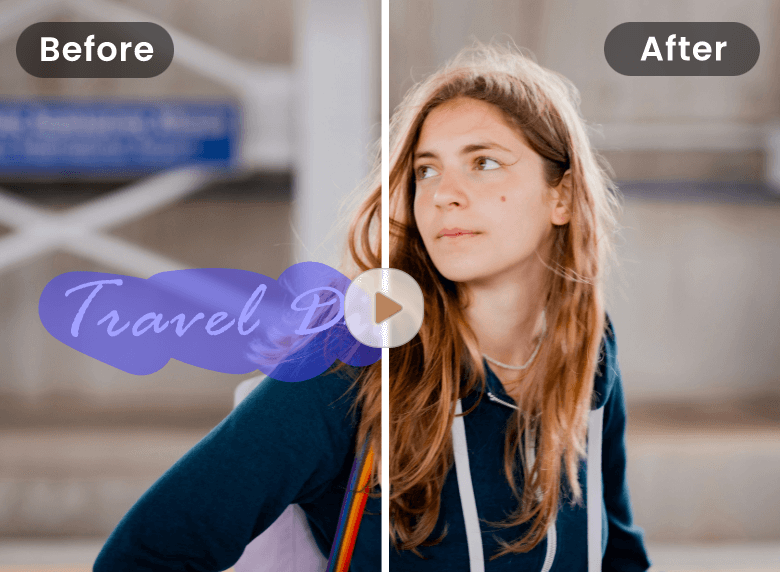
Channel Badge Cleanup
Remove channel badges, platform marks and creator handles before republishing or reusing licensed footage.
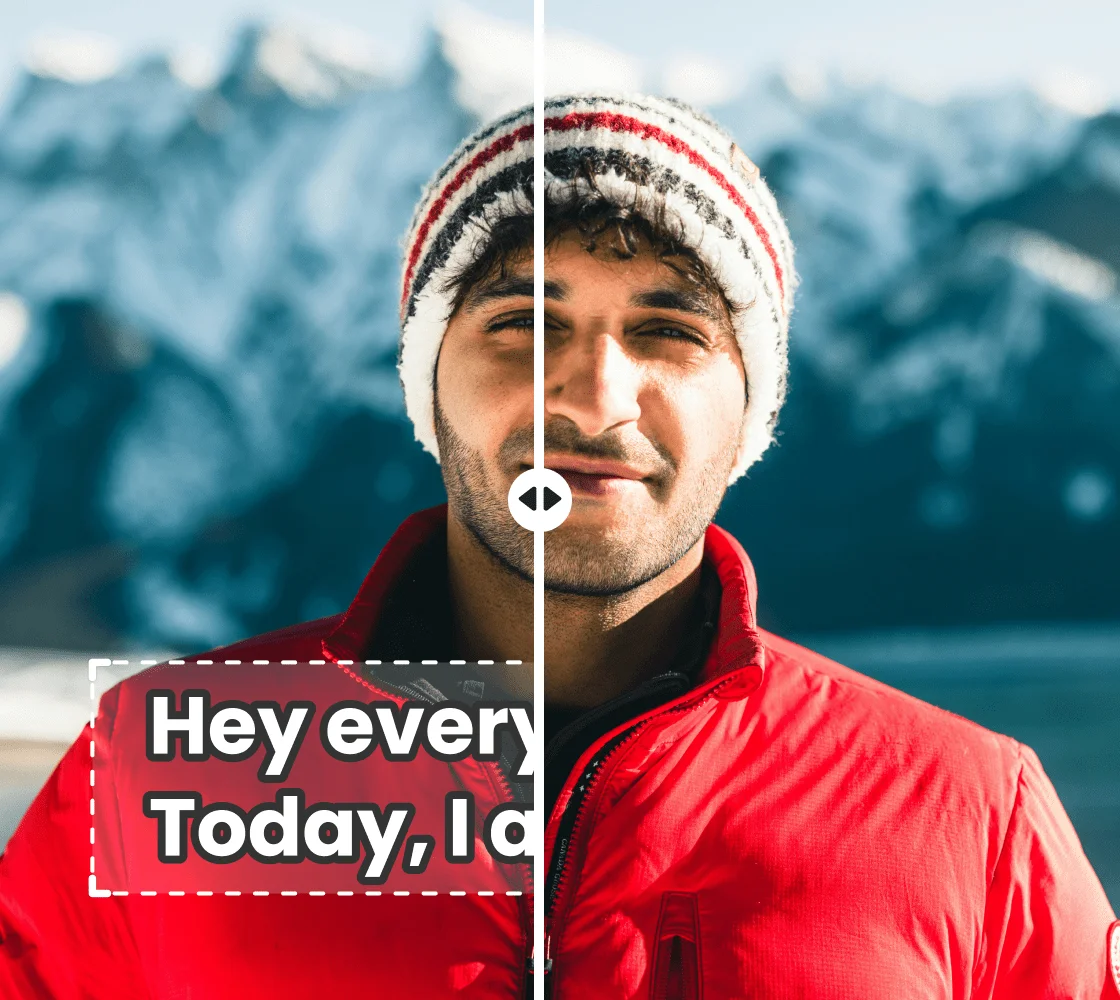
Semi-Transparent Logo Repair
Clean low-opacity logo overlays without ghost edges, color patches or visible smearing.
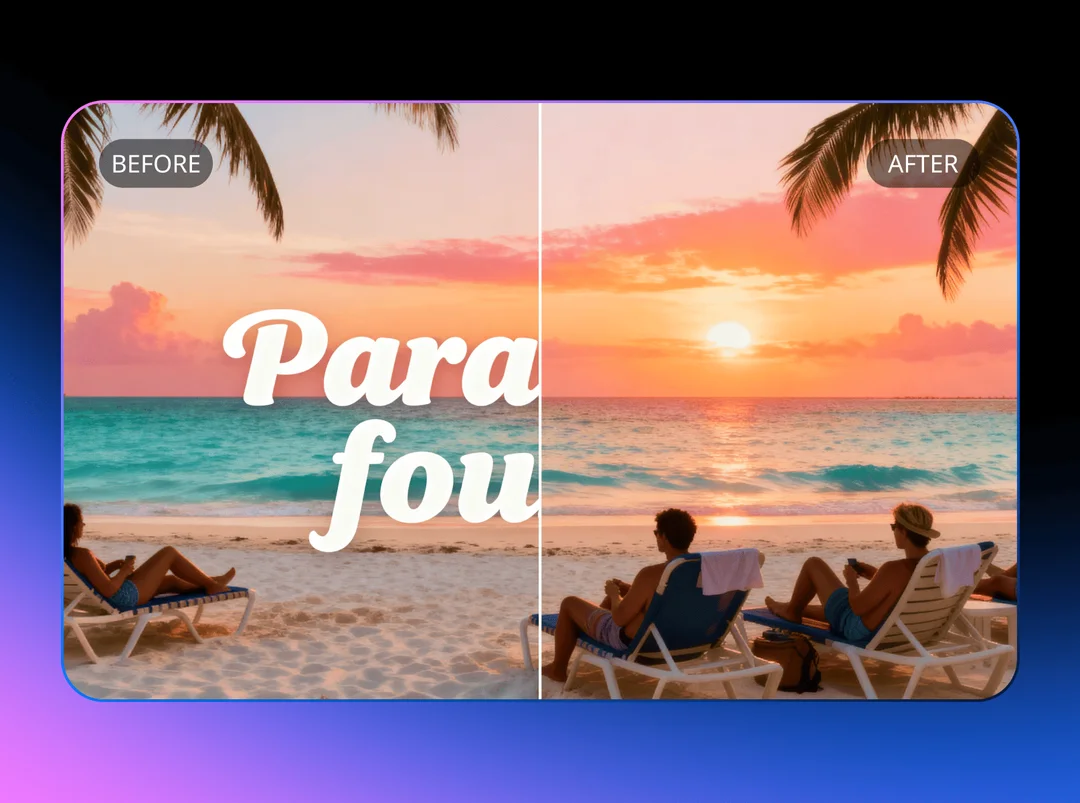
Product Demo Rebranding
Prepare product demos and internal videos by removing outdated brand marks or logo overlays from the frame.
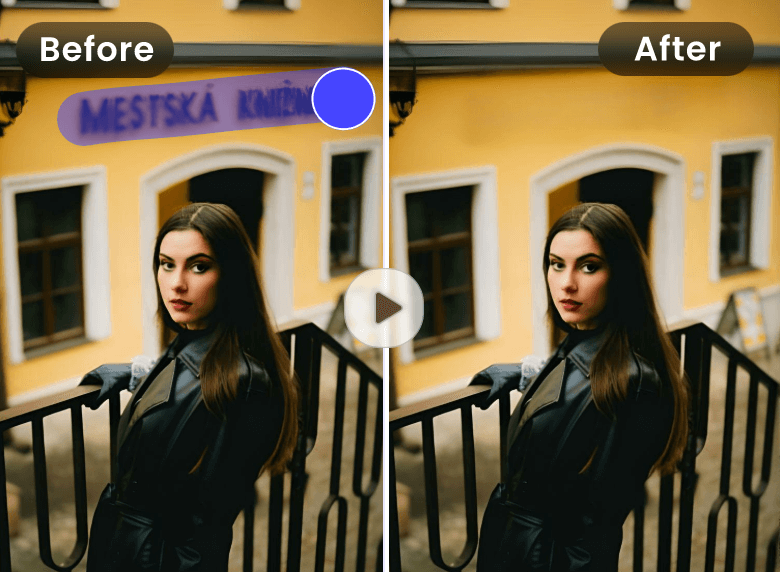
Marketing Asset Cleanup
Refresh old campaigns by removing obsolete logo overlays, watermark logos and channel marks while preserving the original scene.
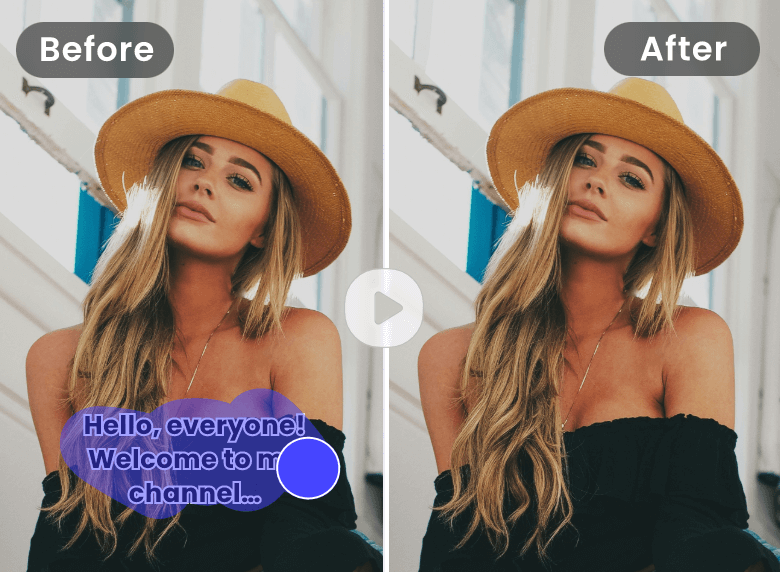
Moving Logo Removal
Select logo areas that shift or fade across frames and let AI rebuild the covered pixels naturally.
Why Use Our AI Video Logo Remover
Smart Logo Detection
AI focuses on the selected logo area and reconstructs the covered background pixels across frames without smearing.
Fast Online Workflow
Upload, select the logo, process and download — no need to install video editing software or learn complex tools.
Clean, Natural Frames
Remove logo from video without heavy blur, color patches or obvious ghosting around the edited area.
Popular Video Formats
Works with MP4, MOV, AVI and WebM files on desktop and mobile browsers.
Private Processing
Your files are processed securely and temporary results are removed automatically after download.
No App Required
Use the browser-based video logo remover on phones, tablets and laptops without signing up.
Creators Use It to Remove Logos from Video
Creators use it to clean logo overlays without opening a full editor.
"I removed a corner logo from a demo video in minutes. The background looked clean enough for our product landing page."
"It saved me from opening a full video editor just to clean a semi-transparent logo overlay from a short clip."
"I removed a corner logo from a demo video in minutes. The background looked clean enough for our product landing page."
"It saved me from opening a full video editor just to clean a semi-transparent logo overlay from a short clip."
Remove Logo from Video - FAQs
Quick answers about using a video logo remover online.
Ready to Remove Logo from Video?
Upload a clip, select the logo area and preview the result online.